Fix PCs Updates Hub
Launch timeline, patch habits, and what to re-check after every DEVTEC STUDIOS drop.
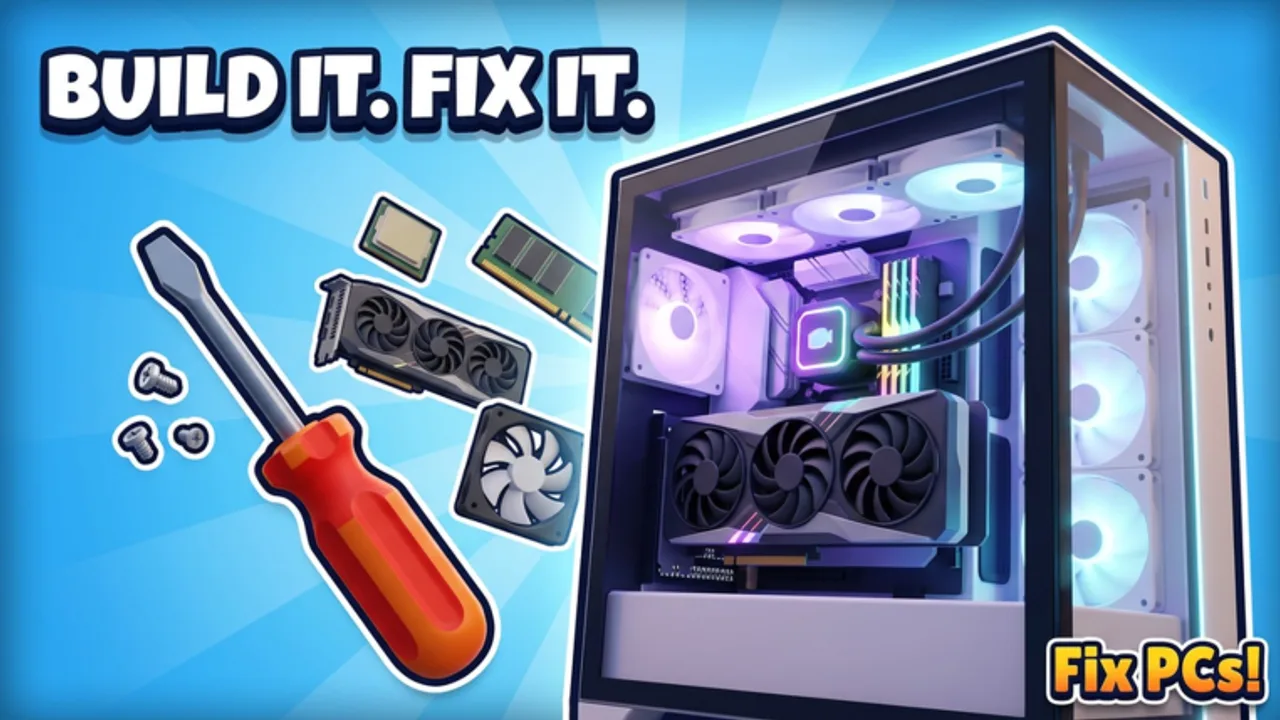
The Updates Hub tracks how Fix PCs! evolves after launch. DEVTEC STUDIOS released the Roblox PC repair shop on 22 October 2026, with a notable refresh around 11 November 2026. Use this page to understand the early timeline, know what to scan in future patch notes, and jump back into guides when systems change.
Live play link: Fix PCs on Roblox. Community and group pointers live on the Players Hub. Promo hunts after milestones belong on the Codes Hub.
Live snapshot (November 2026): the place was around ~327k visits, ~14.3k favorites, and roughly ~1.7k concurrent players at peak check-ins while this hub was refreshed. Treat those numbers as a moment-in-time community pulse—not a promise they stay fixed after the next publish.
Release timeline (early life of the game)
22 October 2026 — Launch
Fix PCs! ships as a simulation/tycoon repair shop with a hands-on loop:
- Customers arrive with broken PCs
- Diagnose faults on the bench
- Swap parts, drive screws, seat cables
- Power on and benchmark for payment
- Grow from an empty unit into a decorated multi-floor shop
Launch pillars players met immediately:
- About 192 parts (GPUs, CPUs, motherboards, RAM, liquid coolers, fans, cases)
- Custom PCs, dual-GPU workstations, and server racks
- Dust blowouts, case repaints, bent CPU pin straightening, virus cleaning
- Ordering/unpacking deliveries, hiring staff, contracts, new floors
- Shopfront décor with 3D name signage and street weather
- Server size 6
If you joined at launch week, the skill curve was intentional: slower careful techs still out-earn reckless parts spenders.
11 November 2026 — Early patches / refresh window
By mid-November 2026 the experience showed an update stamp in the 11 November 2026 window. That date remains a checkpoint on this wiki—not a full official changelog dump. Early post-launch patches for Roblox sims typically focus on areas like:
- Soft-locking bench or UI bugs
- Part collision / seating edge cases
- Tutorial clarity for first-time diagnosis
- Performance on busy six-player shops
- Small economy or ordering tweaks
We are not inventing a bullet-by-bullet patch list here. Always re-read the Roblox description and any DEVTEC STUDIOS group posts for the authoritative wording after you notice a version bump. Visit and favorite totals will keep moving past the ~327k / ~14.3k November snapshot as the community grows.
What to watch in every patch note
When a new Fix PCs update drops, scan for these categories in order:
- Repair loop changes — New fault types, benchmark rules, screw/cable requirements. Revisit How to Repair and the Repair Checklist.
- Parts pool — Additions to the ~192-part catalog, retirements, or price shifts. Update your mental stock list and the Tier List Hub.
- GPU/CPU/board/RAM balance — Dual-GPU or rack requirements may change; see GPU & CPU tiers.
- Cooling & cases — New radiators, paint options, airflow rules; see Cooling & Cases.
- Staff, floors, contracts — Hiring caps, contract payouts, floor build costs.
- Codes / milestone gifts — Visit or like milestones often ship with promo strings; verify on Codes instead of random social reposts.
- QoL & bugs — Inventory sorting, delivery unpacking, shopfront editor fixes.
- Moderation-adjacent notes — Anything about exploits usually means you should ignore third-party scripts even harder.
How to verify that you are on the new build
- Soft-rejoin the experience after Roblox finishes the update publish.
- Skim the game description for newly pasted patch lines or codes.
- Check DEVTEC STUDIOS group shouts the same day.
- Run one known repair end-to-end (dust job + simple RAM swap) before accepting a dual-GPU contract on a patch day.
- If something feels broken, finish the ticket you started, note reproduction steps, then check official channels before assuming a permanent nerf.
Progress advice after patches
Patches can invalidate muscle memory:
- Economy tweaks — Refill Job Bin staples (RAM, fans) before luxury GPUs.
- New parts — Do not dump your entire bank into one untested cooler; read clearance notes on Cooling & Cases.
- UI moves — Codes buttons and order terminals sometimes shift; use the redeem checklist mindset on the Codes Hub.
- Contract meta — When dual-GPU or rack demand spikes, restock multi-GPU boards first (GPU & CPU).
New players arriving mid-season should still start with Getting Started rather than copying a late-game showcase list from Discord.
Suggested update log format (for future entries)
As the wiki grows, individual update articles can follow:
- Date + short title
- Official summary bullets
- Gameplay impact (repair / build / shop)
- Links to revised guides or tier pages
- Code notes (confirmed / none)
Until those child pages exist, this hub remains the chronological anchor: launch 22 Oct 2026 → refresh window 11 Nov 2026 → watch official channels afterward.
Related hubs
- Codes — promo tracking after milestones
- Guides — systems explainers to re-read post-patch
- Tier List — parts priority after balance changes
- Players — group and co-op links
- Wiki — full site overview
- Tools — practical checklists
Stay curious, rejoin after publishes, and let patch notes drive your shopping list — not rumor threads.
Frequently Asked Questions
Quick answers to the most common questions.
When did Fix PCs release?
Fix PCs! launched on 22 October 2026 on Roblox under DEVTEC STUDIOS.
What is the November 2026 update date on this wiki?
We track an update checkpoint around 11 November 2026. Read the live Roblox description and studio posts for the exact patch bullets.
Where do codes appear after updates?
Often in the experience description, DEVTEC STUDIOS group posts, or official Discord announcements. Confirm on the Codes Hub — do not invent strings.
Should I rebuild my shop after every patch?
No. Run a quick repair smoke test, check part prices, and only retool when notes change contracts, parts, or bench rules.
Which wiki pages should I refresh after a parts update?
Tier List Hub, GPU & CPU tiers, Cooling & Cases, How to Repair, and the Repair Checklist.
Is this hub a full official changelog?
It is a fan timeline and reading guide. Official wording always wins on the Roblox page and DEVTEC STUDIOS channels.