Fix PCs GPU, CPU, Board & RAM Tiers
Rank compute parts by walk-in repair speed and custom-build contract value.
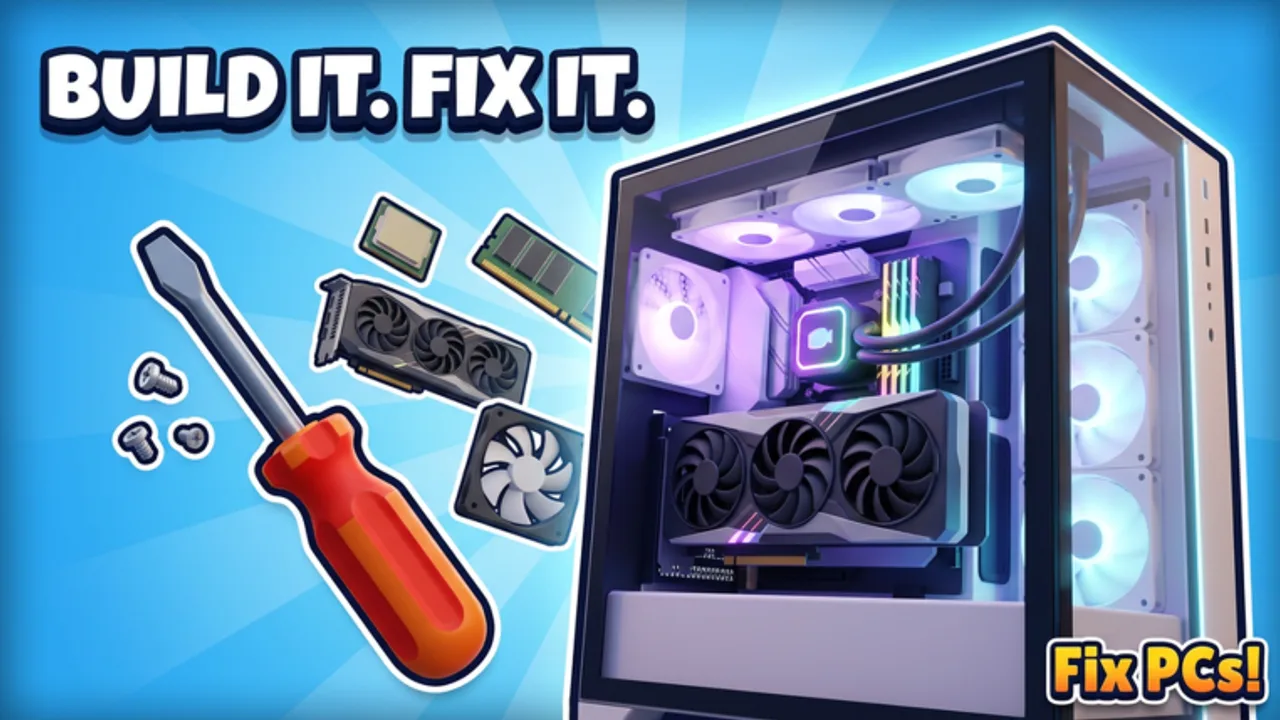
Fix PCs! puts roughly 192 parts on your shelves, and the silicon quartet — GPU, CPU, motherboard, RAM — decides most payouts. This page expands the Tier List Hub with repair-versus-build rankings you can use from the first dusty tower to late-game dual-GPU workstations and server racks.
Pair these grades with Cooling & Cases (thermals kill good CPUs) and Build Custom PCs (compatibility order). Hands-on fault flow stays in How to Repair and the Repair Checklist.
How to read the grades
- S — Stock heavily; clears jobs or wins quotes often.
- A — Core inventory; keep at least one spare.
- B — Useful mid shop; buy after basics.
- C — Situational; contract-driven.
- D — Vanity, extreme niche, or poor early ROI.
Each category lists Repair value (walk-in fixes, bench time, failure rate) and Build value (custom PCs, dual-GPU, racks, contract specs).
GPU tiers
Graphics cards are expensive, visually obvious, and easy to mis-diagnose. Always confirm power cables, risers, and seating before you chalk a black screen up to a dead GPU.
Repair value — GPUs
| Tier | GPU role in Fix PCs | Notes |
|---|---|---|
| S | Mid-range workhorse cards | Frequent enough failures, solid margins, fit most boards |
| A | Entry gaming GPUs | Cheap to stock; clear many “no display” jobs after cable checks |
| B | High-end single GPUs | Great payout, slower turnover; confirm fault first |
| C | Legacy / ultra-budget | Fine for learning swaps; weak late quotes |
| D | Broken display-only swaps without diagnosis | Wastes cash when the real issue was power or RAM |
Build value — GPUs
| Tier | Use case | Notes |
|---|---|---|
| S | Dual-GPU workstation orders | Contracts that name multi-GPU setups pay for readiness |
| A | Single high-end custom gaming PCs | Defines quote price and shop reputation |
| B | Mid cards in balanced customs | Best default for non-spec builds |
| C | Low cards in office/server nodes | Enough for light racks; do not overspend |
| D | Mismatched multi-GPU on weak PSUs/boards | Fails benchmark; rework eats profit |
Shop tip: Keep a labeled Job GPU shelf separate from Build GPU shelf. On a six-player server, shared chaos makes unlabeled bins disappear mid-rush.
CPU tiers
CPUs fail less dramatically than GPUs but teach the best Fix PCs skills: pin straightening, cooler removal, thermal habits, and board compatibility.
Repair value — CPUs
| Tier | Role | Notes |
|---|---|---|
| S | Mainstream desktop CPUs | Common stock, clear boot failures, teach pin care |
| A | Budget CPUs | Fast swaps for low-tier customers |
| B | High-core workstation CPUs | Worth stocking mid shop for premium walk-ins |
| C | Older generation leftovers | Use when the board demands that socket |
| D | Forcing a CPU onto the wrong socket | Instant rework; never “make it fit” |
Bent pins are a named mechanic in Fix PCs — straighten carefully instead of auto-buying a replacement every time. That alone separates profitable techs from parts burners.
Build value — CPUs
| Tier | Role | Notes |
|---|---|---|
| S | Workstation / rack CPUs matching contract cores | Server racks and creator PCs quote around CPU class |
| A | Mid-high gaming CPUs | Pair with strong single GPU builds |
| B | Efficient mid CPUs | Best default when the order is vague |
| C | Ultra-budget CPUs in display-only shop PCs | Fine for décor benches, not for paying contracts |
| D | Trophy CPUs without board/cooler clearance | Looks premium, fails install |
Motherboard tiers
The motherboard is the schedule killer: long install, many standoffs/screws, and every other part depends on it.
Repair value — motherboards
| Tier | Role | Notes |
|---|---|---|
| S | Common ATX boards with wide CPU/RAM support | One spare prevents multi-job blockages |
| A | Micro boards for small cases | Faster physical swap in tight chassis |
| B | Feature boards (extra PCIe/NV slots) | Useful when GPU or storage was the cascade failure |
| C | Exotic form factors | Only when the case forces it |
| D | Unknown board with no matching CPU in stock | Do not accept the job until parts exist |
Build value — motherboards
| Tier | Role | Notes |
|---|---|---|
| S | Multi-GPU capable boards | Required for dual-GPU workstation contracts |
| A | High RAM slot / server-leaning boards | Rack builds and dense memory kits |
| B | Clean mid-range ATX | Default custom PC spine |
| C | Flash RGB boards with average slots | Sell aesthetics only after function is covered |
| D | Board that blocks the ordered cooler or GPU length | Measure before you promise the customer |
Order of operations for customs: confirm board → CPU → RAM → cooler clearance → GPU length → case. Skipping ahead creates the classic “everything fits except the board” refund.
RAM tiers
RAM is the early-game hero: quick to seat, frequent to fail, and easy to upsell in kits.
Repair value — RAM
| Tier | Role | Notes |
|---|---|---|
| S | Standard dual-stick kits matching common boards | First drawer to refill every session |
| A | Single sticks for partial failures | Diagnose one bad DIMM before replacing the kit |
| B | High-speed kits | Only when benchmarks fail after other fixes |
| C | Odd capacity singles | Keep few; avoid clutter |
| D | Mixing mismatched kits that refuse training | Causes mysterious post failures |
Build value — RAM
| Tier | Role | Notes |
|---|---|---|
| S | High-capacity kits for workstations/racks | Contracts often specify memory floors |
| A | Matched dual/quad channel kits | Stability and clean aesthetics |
| B | Mid capacity for gaming customs | Enough for most non-server quotes |
| C | Bare-minimum memory on display units | Shopfloor demo only |
| D | Overfilling unsupported boards | Waste and possible no-post |
Early / mid / late shopping list
Early shop: RAM S-stock, budget CPUs, one mainstream board, entry GPU, learn pin straightening and cable checks before luxury silicon.
Mid shop: Add mid GPUs, a multi-slot board for upcoming dual-GPU talk, workstation CPU option, and labeled bins. Hire staff so you are not the only person who knows where the good DIMMs live.
Late shop: Dual-GPU ready boards, high-end GPUs, dense RAM, rack-friendly CPUs. Still refill the Job Bin first — street walk-ins fund the showcase floor.
Compatibility checklist before you charge the customer
- CPU socket matches motherboard.
- RAM generation and slots match board limits.
- GPU length and PCIe layout fit case + board.
- Cooler height clears case; see Cooling & Cases.
- Power cables seated; screws actually installed.
- Power on + benchmark passed — unpaid machines are unfinished jobs.
Related reading
- Tier List Hub — philosophy across all categories.
- Cooling & Cases — thermals and chassis tiers.
- Build Custom PCs — assembly order for orders and racks.
- How to Repair — diagnose before you spend.
- Updates Hub — patch notes that may retune part economy.
Keep this page bookmarked beside your parts terminal. When DEVTEC STUDIOS expands the 192-part pool, grades will shift — repair frequency first, trophy silicon second.
Frequently Asked Questions
Quick answers to the most common questions.
What should I stock first: GPU or RAM?
RAM. It fails often, installs quickly, and protects early cash. Add GPUs once diagnosis habits and cable checks are solid.
When do dual-GPU parts become worth stocking?
Mid-to-late shop, when contracts and custom workstation orders ask for them. Pair multi-GPU boards with matching cards before advertising the service.
Are bent CPU pins an instant full CPU replacement?
Not always. Fix PCs includes pin straightening as a repair skill. Try careful correction before spending on a new CPU.
Why did my custom build fail with expensive parts?
Usually compatibility or assembly order: wrong board, RAM mismatch, cooler clearance, missing cables/screws, or skipped benchmark. Re-check the checklist above.
Where do coolers and cases rank?
On the Cooling & Cases tier page linked from this article and the Tier List Hub.
Do patches change these tiers?
Yes. Price, spawn rate, or contract requirement changes can move a part up or down. Watch the Updates Hub after major patches.