Fix PCs Build Custom PCs, Dual-GPU & Racks
Order, unpack, assemble, and profit from contracts and display builds.
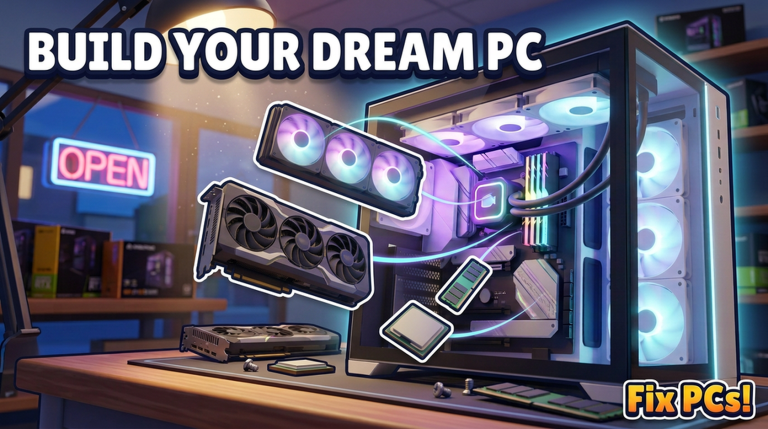
Walk-in repairs pay the rent in Fix PCs, but custom work is where the shop graduates from fixer to builder. DEVTEC’s catalog stretches across 192 parts—graphics cards, CPUs, motherboards, RAM, liquid coolers, fans, cases, and more—so you can assemble custom PCs, dual-GPU workstations, and whole server racks to order. This guide covers ordering, unpacking, compatibility thinking, assembly flow, contract vs display goals, and profit habits. Brush up on bench fundamentals in How to Repair PCs first if cable seating and paste still trip you up.
When to start custom builds
Do not leap into dual-GPU contracts on hour one. Finish the loop in Getting Started and clear several clean repair jobs so ordering, unpacking, and bench tools feel automatic. Custom builds punish missing screws and loose power leads the same way repairs do—only with more expensive parts on the line.
Ordering parts without wrecking cash flow
Open the parts ordering flow and buy for a purpose:
- Ticket-driven buys — Pull the contract or customer spec first; order only what the build lacks.
- Shelf staples — Keep a small buffer of common RAM, cables-adjacent needs, and mid-tier GPUs that appear often on tickets.
- Avoid trophy hoarding — A display dual-GPU monster is marketing; it should not empty the till meant for tomorrow’s virus cleans and dust jobs.
Use the Tier List to decide which SKUs deserve staple status versus luxury display. Ranking pages help you spot value parts that clear benchmarks without melting margin.
Unpack deliveries yourself
Fix PCs calls out that you order parts and unpack the deliveries yourself. When stock arrives:
- Clear bench space before boxes land.
- Unpack into labeled storage so dual-GPU kits do not mix with rack PSUs.
- Verify you received the tiers you paid for before promising a completion time.
- Recycle packaging out of walk paths so the next customer route stays clean.
Messy receiving is how shops lose a stick of RAM under a panel and fail a contract on a technicality.
Compatibility mindset (think like a builder)
Even in a game fantasy, builds feel right when parts agree:
- Board and CPU — Match socket generation thinking; do not force mismatched flagship CPUs into starter boards.
- RAM — Fill supported slots; mind kits meant to run together.
- GPU and case — Dual-GPU needs space, power, and airflow; cramped cases cook under load.
- Cooling — Liquid coolers and fan counts should match heat from CPU/GPU stacks.
- Power budget — Dual-GPU and racks draw more; underpowered builds fail the same benchmarks you trust after repairs.
- Cables — Route power and data as carefully as on a repair job; unfinished cable work fails power-on.
Compatibility is also economic: a coherent mid-tier build sold at a fair markup beats a chaotic pile of S-tier parts with no airflow.
Building a standard custom PC
- Mount motherboard in the case with standoffs/screws seated true.
- Install CPU, straighten any risk pins, apply paste, mount cooler.
- Seat RAM until locks click.
- Install storage and required data cables if the spec includes them.
- Mount the GPU (or first GPU), screw the brace, connect power.
- Connect front panel and fan leads.
- Cable-manage enough to close side panels without pinching.
- Power on and benchmark like a repair return—same quality bar.
If the benchmark fails, use the recovery order from How to Repair: reseat, recable, repaste, then replace. The repair checklist works as a final gate for customs too.
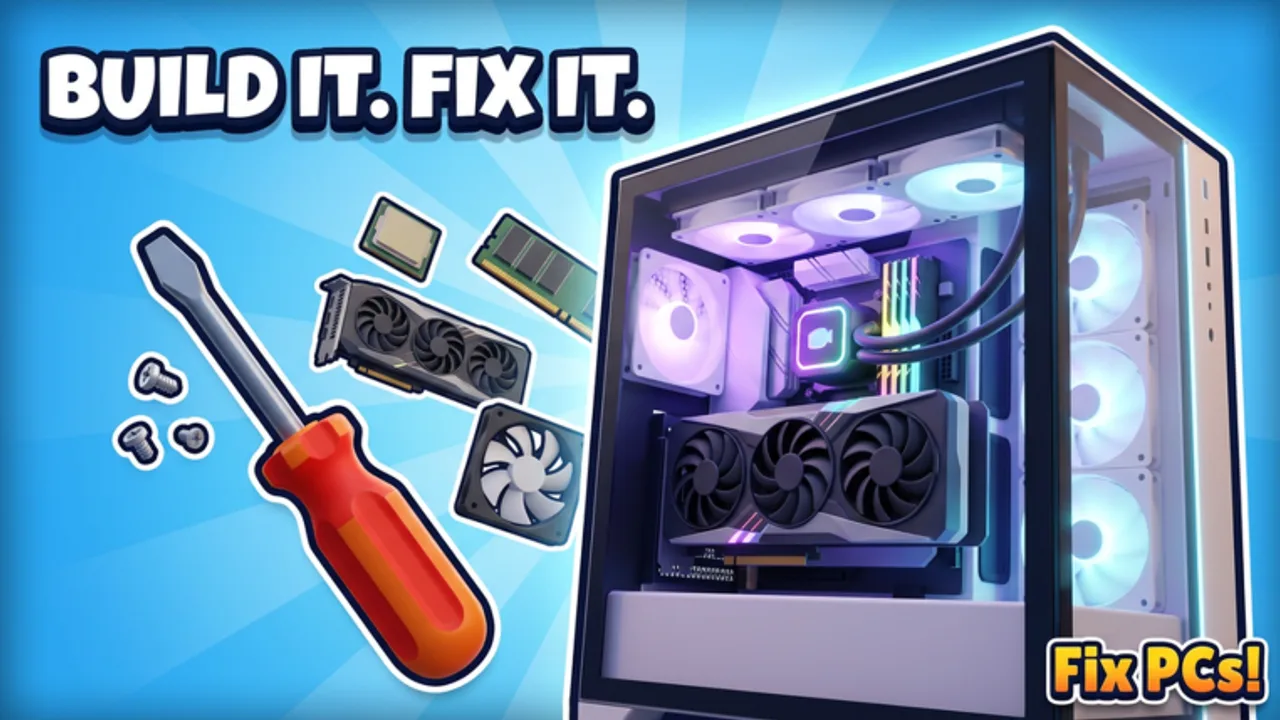
Dual-GPU workstations
Dual-GPU builds are showpieces and high-spec contract targets. Practical tips:
- Confirm the case and motherboard fantasy supports two cards before you order the second GPU.
- Stagger install order so power cables and brackets have room.
- Budget cooling and PSU headroom; heat is the silent contract killer.
- Benchmark after each major add when learning—catch faults early instead of debugging a fully stuffed tower blind.
Dual-GPU is also a display flex near the shopfront. Just remember display units still need working benchmarks if the game treats them as functional demos.
Server racks for contracts and flex
Whole server racks are the late-shop flex: dense builds for contracts that ask for multi-node muscle or for a back-room that screams “serious street shop.” Approach racks like scaled customs:
- Stage parts per node so you do not mix CPUs and boards across units.
- Keep rack cabling disciplined; dense layouts hide a single unplugged lead.
- Complete and test in slices—node by node—rather than cabling everything dark and hoping.
- Only accept rack contracts when staff or personal speed can finish without tanking walk-in queues. If the counter is slammed, expand capacity first via Hire Staff & Expand.
Contracts vs display builds
Contracts want on-spec completion, reliable benchmarks, and on-time delivery. Overbuilding past the ticket wastes cash.
Display builds sell atmosphere and trust. Park a clean dual-GPU or tidy rack where customers see it, but fund displays from profit, not from the emergency RAM reserve.
A healthy mix: one solid display hero, a shelf of repair staples, and contract builds priced with parts cost plus labor time in mind.
Profit tips that actually move the needle
- Price and part-pick with the Tier List so you are not allergic to every non-S tier.
- Reuse safe salvage from dead customer parts when the game allows and the ticket permits.
- Batch orders to cut delivery babysitting time.
- Do not start a rack while three dusty towers wait—opportunity cost is real.
- Track which contracts repeatedly ask for dual-GPU or rack work; pre-stock those patterns.
- Keep repair quality high; custom reputation dies if walk-ins leave unhappy.
Suggested progression
- Reliable repairs and paste/cable discipline.
- Confident order → unpack → shelf flow.
- Single custom PC contracts.
- Dual-GPU workstation tickets and one display hero.
- Server rack contracts after hiring/floors keep walk-ins alive.
Cross-links to keep handy
- Getting Started — First-session foundations.
- How to Repair PCs — Bench quality bar.
- Hire Staff & Expand — Capacity for big tickets.
- Controls — Precise part drag and UI panels.
- Tier List — What to stock and show off.
- Codes — Occasional free value for early kits.
Build coherent machines, unpack like a pro, and let contracts—not impulse shopping—drive the 192-part catalog. That is how a Fix PCs unit becomes a destination workshop.
Frequently Asked Questions
Quick answers to the most common questions.
How do I start a custom PC in Fix PCs?
Read the contract or goal spec, order the missing parts, unpack deliveries into storage, assemble on the bench with full cable and cooler care, then power on and benchmark before handoff.
What are dual-GPU and server rack builds for?
They fulfill high-spec contracts and act as shop display pieces. Ensure case, power, and cooling headroom before ordering the second GPU or a full rack.
How should I use the tier list when building?
Rank staple repair parts and contract-friendly SKUs first. Save ultra-luxury cards for display or tickets that explicitly pay for them.
Why did my custom build fail the benchmark?
Treat it like a repair failure: reseat RAM/GPU, verify power cables, check paste and cooler mount, confirm compatibility choices, then replace parts only if process checks pass.
Should I build racks before hiring staff?
Only if walk-in volume is low. Racks take time; hire staff or add floors when custom work would otherwise stall the counter.
Do I unpack deliveries myself?
Yes. Ordering and unpacking are part of the shop loop—clear space, verify tiers, and store parts cleanly before assembly.